Affiliate Disclosure: This site contains affiliate links. We may earn commission at no extra cost to you.
How to Download CrushOn AI in 2026: Android, iOS & Web Access Guide
CrushOn AI is available through three access channels: Google Play Store for Android, Apple App Store for iOS (with regional limitations), and directly via web browser at crushon.ai — which requires no download at all. The web version provides full feature parity with the mobile app. This guide covers the exact steps for each platform, including APK sideloading for Android users in regions without Play Store access and Safari-based access for iPhone users.
The platform serves 3M+ monthly active users across these access methods. Getting started takes under five minutes regardless of your device type. No credit card is required for the free tier.
For a complete overview of what CrushOn AI offers once you're set up, see our full platform review.
CrushOn AI on Android

Google Play Store Download (Recommended)
The Google Play Store is the official and recommended installation method for Android users. The app is available in most countries worldwide.
Steps:
- Open the Google Play Store on your Android device
- Search for "CrushOn AI" — look for the official app published by Peekaboo Tech Inc.
- Tap "Install" — the app is free to download
- Open the app after installation completes
- Create an account or log in with an existing account
Requirements: Android 5.0 or higher. The app download size is moderate — ensure you have sufficient storage space before downloading.
Note on regional availability: The CrushOn AI app is available in most countries on Google Play. If it does not appear in your regional Play Store, use the APK method described below or access via web browser.
Android APK Download
CrushOn AI provides an official APK file through the crushon.ai website for users who cannot access the Google Play Store version.
Steps:
- Open your Android device's Settings > Security
- Enable "Install from unknown sources" or "Install unknown apps" — the exact setting name varies by Android version
- Navigate to crushon.ai in your mobile browser
- Find the app download section and download the APK file
- Open the downloaded APK file from your notification drawer or Downloads folder
- Follow the installation prompts
- Open the app and create or log into your account
Important: Only download the APK from the official crushon.ai website. Third-party APK sites distributing modified "CrushOn AI mod APK" or "cracked" versions are not official sources and may contain malware.
Latest Android version: Approximately v6.5.x as of 2026.
CrushOn AI on iOS
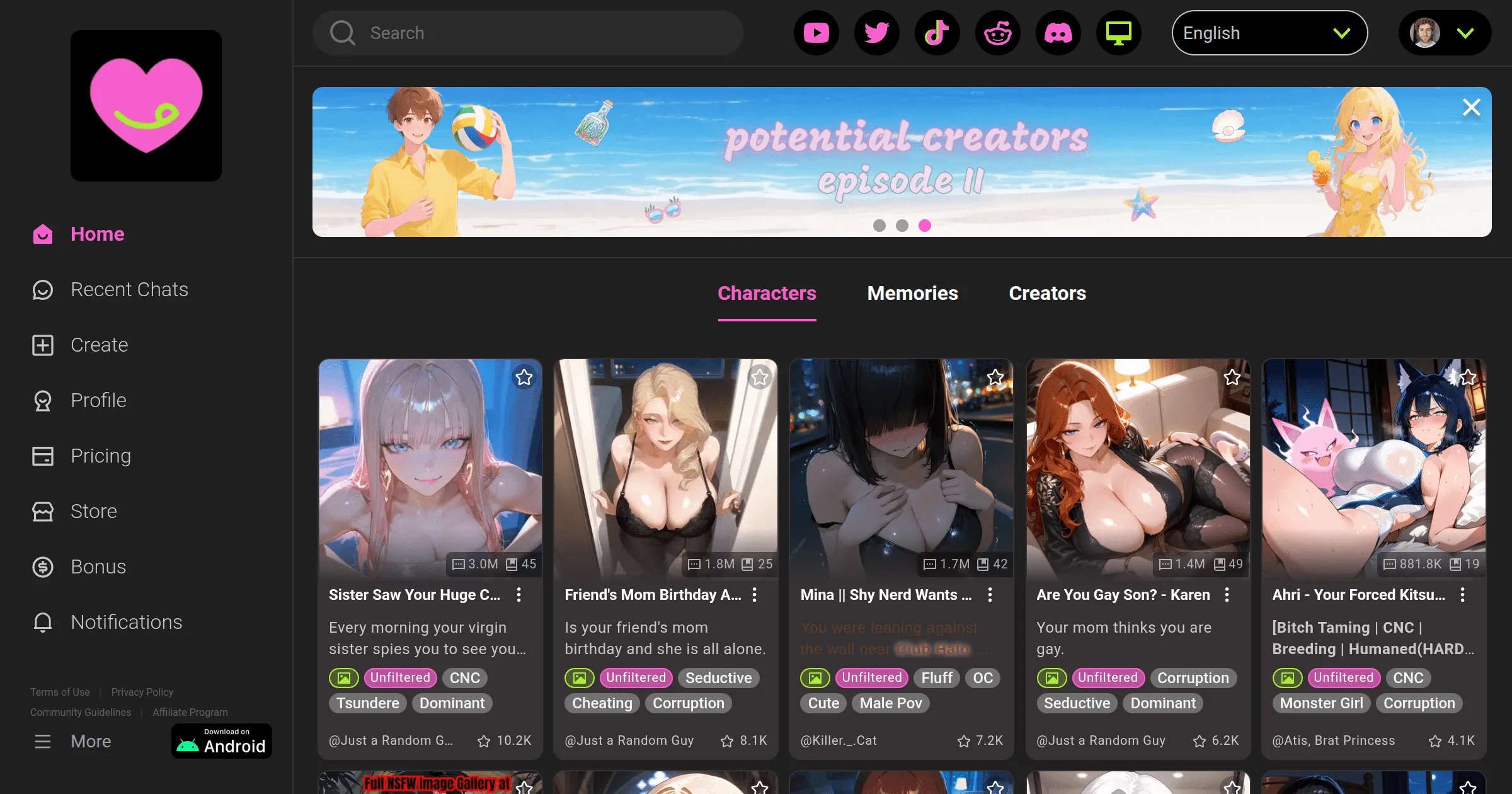
App Store Access
CrushOn AI has an iOS app, but its availability on the Apple App Store varies by region. Apple enforces strict content policies for apps containing adult content, which has led to temporary and regional removals of the CrushOn AI app.
Steps (if available in your region):
- Open the App Store on your iPhone or iPad
- Search for "CrushOn AI"
- Tap "Get" to download
- Open the app and create or log into your account
iOS system requirement: iOS 14 or higher.
If CrushOn AI Is Not Available in Your App Store
If you cannot find the CrushOn AI app in your regional App Store, the web version is the recommended alternative:
- Open Safari on your iPhone
- Navigate to crushon.ai
- Create an account or log in
- All features available in the app are accessible through the Safari browser
- For faster home screen access, use Safari's "Add to Home Screen" feature — this creates a progressive web app (PWA) shortcut that behaves similarly to a native app
The web version is not a degraded experience — it provides the same character library, conversation features, image generation, and account management as the mobile app.
CrushOn AI Web Version
The web version at crushon.ai is available on any device with a modern web browser — desktop, laptop, tablet, or mobile. It requires no installation and launches immediately after account creation.
Web version capabilities:
- Full access to all 500,000+ community characters
- Complete feature set including image generation, voice messages (Premium+), and model selection
- Account management and subscription management
- Character creation tools
- Same message limits as the equivalent mobile plan
Supported browsers: Chrome, Firefox, Safari, Edge, and most Chromium-based browsers. Older browsers may experience reduced performance.
Desktop access: Unlike some mobile-first AI companion apps, CrushOn AI's web interface is fully functional on desktop and laptop computers. Many users prefer desktop access for extended conversation sessions.
How to Sign Up for CrushOn AI
Account creation is required to use CrushOn AI. The signup process takes approximately two minutes.
Method 1 — Email signup:
- Navigate to crushon.ai or open the mobile app
- Click "Sign Up" or "Get Started"
- Enter an email address
- Create a password
- Confirm you are 18 years of age or older
- Verify your email address via the confirmation link sent to your inbox
- Complete any optional profile setup
Method 2 — Social login:
- Click "Continue with Google" or equivalent social login option
- Authorize the connection to your Google (or other) account
- Confirm the 18+ age gate
- Profile setup is optional
Important: No credit card is required for free account creation. Payment information is only required when upgrading to a paid subscription.
Ready to try CrushOn AI?
Visit CrushOn AICrushOn AI App vs. Web: Which to Use?
| Feature | Mobile App | Web Browser |
|---|---|---|
| Installation required | Yes | No |
| Offline access | Limited | No |
| Push notifications | Yes | No |
| Performance | Optimized | Good |
| Feature parity | Full | Full |
| Desktop-friendly | Limited | Yes |
| iOS availability | Regional | Universal |
| Android availability | Most countries | Universal |
Recommendation: For users with a compatible Android device in a supported region, the mobile app offers convenience through push notifications and a more optimized mobile interface. For iOS users in regions where the App Store version is unavailable, and for all desktop users, the web version is equally capable.
Troubleshooting: App Not Available
"App Not Found" in App Store or Play Store
- iOS: Apple has removed the CrushOn AI app from some regional App Stores due to content policy. Use the web version at crushon.ai via Safari.
- Android: If the Play Store search returns no results, the app may be regionally restricted. Use the APK from crushon.ai or access via browser.
"Cannot Install APK"
Ensure "Install from unknown sources" is enabled in Android Settings > Security. Each Android version has slightly different naming for this setting — search "install unknown apps" in your device settings if the standard path does not match.
App Crashes After Update
Update to the latest app version available through your installation method. App crashes after major updates are typically resolved in the following patch release. If the issue persists, uninstall and reinstall the app. Your account data is stored server-side — reinstallation does not affect saved conversations or character data.
Login Issues
CrushOn AI supports email login, Google login, and social login. If you created your account using one method, you must use the same method to log back in. "Forgot Password" links reset email-based accounts only. For social login accounts, ensure the linked social account remains accessible.
For issues that persist after these steps, our troubleshooting guide covers server status checking and additional resolution methods.
Frequently Asked Questions
Apple removes apps containing adult NSFW content from App Store regions where such content violates local policies or Apple's App Store Review Guidelines. CrushOn AI's explicit content has led to its removal from some regional App Stores. The Android Play Store listing remains more broadly available. iOS users can access full functionality through crushon.ai in Safari.
Yes, when downloaded from the official crushon.ai website. The official APK is the same application distributed through the Play Store. Avoid downloading APK files from third-party websites — only the official source is verified.
Yes. The CrushOn AI web version at crushon.ai provides the same complete feature set as the mobile application, including character library access, image generation, voice messages (on Premium+), model selection, and account management. Feature parity is maintained across platforms.
CrushOn AI requires Android 5.0 (Lollipop) or higher. The vast majority of active Android devices meet this requirement. For best performance, Android 8.0 or higher is recommended.
Yes. The web version at crushon.ai works in all major desktop browsers including Chrome, Firefox, Safari, and Edge. There is no dedicated desktop application, but the browser experience on desktop is fully functional and many users prefer it for extended sessions.
No. Your CrushOn AI account is cloud-based — all conversation history, characters, and account settings are stored server-side. Logging into the app after using the web version (or vice versa) gives you access to the same account data. No re-download or data transfer is needed.